

Running a self storage business isn’t hard like coal mining is hard, but it’s got its own flavor of exhausting. It’s a steady drip of phone calls, bolt cutters, forgotten PINs, and paper trails that feel more like scavenger hunts. The good news? You don’t have to live like that anymore. The better news? You don’t need to be a Silicon Valley startup to get the benefits. You just need proper self storage technology.
Here are 11 self storage tech features that can smooth out the wrinkles in your day, lighten the mental load, and maybe even let you take a lunch break without having to answer tenant questions. We’ll shoot straight: what they do well, and where they might make you curse under your breath.
1. Keyless entry systems
You know what’s great? Not getting calls at 9:13 p.m. from someone who “just forgot the gate code real quick.” Keyless entry systems — via app, Bluetooth fob, keypad, or even fingerprint — let tenants come and go without a jangling ring of keys or a sticky sliding bolt. And for you? It means fewer manual overrides and more detailed logs of who did what, when.
Why it works:
- Tenants feel in control (and that makes them happier).
- Cleaner logs = better security.
- Syncs with payment systems for auto-lockout on missed rent.
Heads up:
- Retrofitting isn’t cheap.
- You’ll still play tech support sometimes (“Did you turn on your Bluetooth, Carol?”).
- Always, always have a backup plan. Batteries die. Wi-Fi goes on vacation.
Costs:
- Basic keypad entry systems: $300–$700 per door; for a medium facility (4 doors), $1,200–$2,800 total.
- Advanced smart entry (mobile, Bluetooth, app): $1,000–$5,000+ per system, depending on complexity and features.
- Full facility retrofits (large, multi-unit): $50,000–$100,000+ for smart locks, remote monitoring, and app integration for a modern facility.
2. Online payments
It shouldn’t take more effort to pay rent than it does to order Thai food. Online payments let your tenants handle things through a portal or auto-pay — fast, simple, done. And the easier it is to pay you, the faster they do it.
Why it works:
- Less chasing people for money.
- More predictable cash flow.
- Digital paper trail, which is way better than actual paper.
Heads up:
- Credit card fees can nibble at your margins.
- Security is table stakes. PCI compliance isn’t a “nice to have.”
- Offer options: not everyone lives in Visa-land. ACH, PayPal, Apple Pay — meet people where they swipe.
Costs:
- Basic keypad entry systems: $300–$700 per door; for a medium facility (4 doors), $1,200–$2,800 total.
- Advanced smart entry (mobile, Bluetooth, app): $1,000–$5,000+ per system, depending on complexity and features.
- Full facility retrofits (large, multi-unit): $50,000–$100,000+ for smart locks, remote monitoring, and app integration for a modern facility.
3. Property Management Software (PMS)
Running a storage facility without property management software is like trying to juggle flaming torches while riding a unicycle — technically possible, but not recommended.
Today’s PMS tools do more than just track who owes what. They’re your control panel, your second brain, your behind-the-scenes assistant that never takes a sick day. Platforms like Yardi Breeze for Storage(opens in new tab) and Yardi Matrix Storage Manager(opens in new tab) bundle all the essentials into one clean dashboard — billing, rent collection, unit availability, reporting, tenant communication — all of it, all in one place.
Why it works:
- Automates the boring stuff (rent reminders, late fees, payment tracking).
- Gives tenants self-serve options to pay online, update info, or check account status.
- Lets you work from anywhere — beach, couch, or back office.
- Keeps everything organized, which keeps your stress levels down.
- Built-in reporting makes taxes, audits, and business decisions easier.
- Fewer errors = fewer angry calls from tenants.
- Integrates with security and access systems for even more control.
Heads up:
- These tools are only as good as your team’s willingness to use them right. Train well.
- Automation helps, but you still need to log in and pay attention.
Costs:
- Yardi Breeze: Requires a conversation with you to determine the right pricing(opens in new tab).
- Other vendors: Starter plans from $40–$100/month; larger facilities may pay $100–$500/month or more, depending on features and users.
- Setup/training: One-time fees of $100–$500 possible for onboarding and training.
4. Smart access via mobile apps
People live on their phones — you might as well meet them there. Mobile apps let tenants open gates, check balances, and manage payments without ever calling you. Some even let you chat, send updates, or share documents.
Why it works:
- Reduces walk-ins for things like gate code help.
- Tenants can help themselves at 2 a.m. without waking you.
- Younger renters expect this. (And older ones might surprise you.)
Heads up:
- Not everyone loves new apps. Expect questions.
- Privacy laws matter. Your app provider should know what CCPA means.
- Clear support docs (and maybe a 3-minute tutorial video) go a long way.
Costs:
- Often bundled with keyless entry or PMS; no separate fee for tenants using the app.
- Custom app development: $40,000–$80,000 if building your own branded solution.
- App integration with access systems: Typically included in higher-end access control setups.
5. Automated communication
Some messages you need to write by hand — eviction notices, apologies, delicate stuff. But most of what you send? Reminders. Confirmations. “Hey, your payment cleared.” That’s where automation shines.
Why it works:
- Saves hours of repetitive outreach.
- Keeps tenants informed (and lowers call volume).
- Improves service without adding labor.
Heads up:
- Don’t overdo it — no one likes a spammy landlord.
- Personalize where you can. “Hi, John” beats “Dear Tenant.”
- Opt-outs are essential for anything not mission-critical.
Costs:
- Standalone communication platforms: $79–$199/month, depending on features and scale.
- Integrated in PMS: Often included at no extra charge, though advanced AI-powered solutions may cost more.
6. Digital surveillance
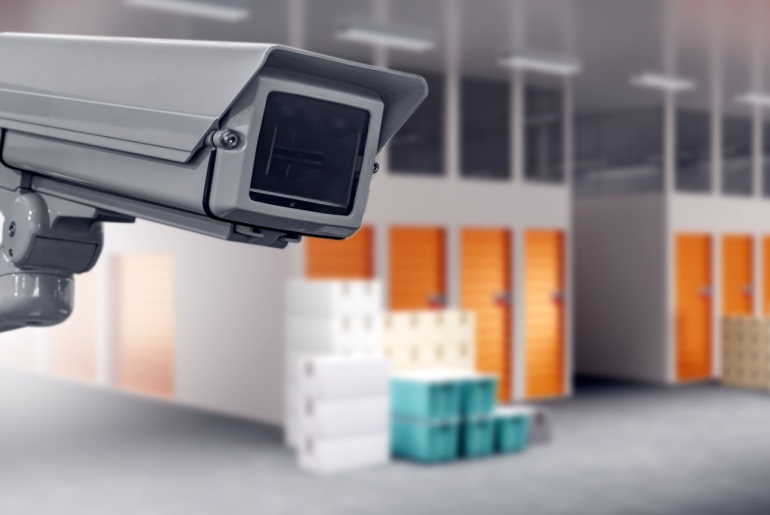
Once upon a time, cameras were there to catch the guy in the hoodie climbing the fence at 3 a.m. Now? They’re your always-on, never-sleeping assistant — part watchdog, part reassurance blanket, part data goldmine.
Today’s surveillance systems are smarter than a bored teenager with time on their hands. Think: motion detection, night vision, cloud storage, AI that spots weird patterns before you even know there’s something weird to spot. And for tenants storing pricey equipment, inventory, or sentimental treasures, it sends a clear signal: “We’ve got eyes on your stuff. Constantly.”
Why it works:
- Deters the troublemakers and calms the worriers.
- Documents damage or disputes in crystal-clear HD.
- Makes you look professional, not paranoid.
Heads up:
- Privacy rules are real. You can’t just mount cameras willy-nilly. Bathrooms? Off-limits. Inside units? Hard no.
- Gear fails. Cameras blur, lenses fog, systems crash. Regular maintenance isn’t optional.
- AI isn’t perfect. Prepare for alerts about shadows, spiders, or that one raccoon who moonlights as a cat burglar.
Costs:
- Cameras: $100–$400 per camera for self storage grade (installation included).
- Alarms/door sensors: $50–$250 per door.
- AI-powered surveillance: $30,000–$70,000 for full-facility installs, including cameras, alarms, and monitoring.
- Cloud storage for video: $3–$15/month per camera (optional).
7. Online rental sites
Imagine someone lying in bed at 11:48 p.m., half-asleep, phone in hand, looking for storage. Now imagine them clicking “rent now,” signing digitally, and getting a confirmation email before their tea goes cold. That’s the future — and it’s not even the future anymore. It’s now.
Your website should do more than exist. It should sell. Great rental platforms like StorageCafe (opens in new tab)let tenants browse, reserve, ID-verify, e-sign, and pay in one smooth motion — without needing to call anyone.
Why it works:
- You’re open for business, even when you’re not physically open.
- Cuts down on phone calls and office visits.
- First impressions matter — a clean site builds instant trust.
Heads up:
- SEO is your visibility cloak. No Google juice? No traffic.
- Bad design kills trust. If your site’s clunky or slow, people bail.
- Accessibility isn’t just nice — it’s required. Make sure your site works for everyone, not just the fully-abled and tech-savvy.
Costs:
- Setup fee: $3,000–$5,000 one-time for a custom self storage website with online leasing.
- Monthly fee: $44/month base + $1/unit/month (e.g., 50 units = $94/month).
- Included with PMS: Some PMS providers include basic online rental portals at no extra charge.
8. IoT monitoring
Behind the walls and above the drop ceiling, tiny sensors are doing big things. IoT (Internet of Things) devices can quietly monitor temperature, humidity, air quality around the clock — and flag issues before they cost you in claims or tenant rage.
This isn’t just about keeping grandma’s couch safe. It’s about protecting artwork, wine, electronics, medical files — the stuff that sweats if the AC quits at 2 p.m. in August.
Why it works:
- Prevents damage before it happens.
- Helps with insurance, especially if you’re premium-pricing climate-controlled units.
- Remote control = fewer drive-bys to check the thermostat.
Heads up:
- Sensors drift. Calibrate them regularly or the data’s junk.
- Have a clear alert plan. Who gets pinged at 2 a.m.? And what’s the plan when they do?
- Data storage matters. If a tenant asks, “What were the humidity levels last May?” — can you answer?
Costs:
- Sensors (temperature, humidity, leak): $50–$200 per unit/sensor.
- Cloud dashboard/monitoring: Often bundled with PMS or monitoring service; custom solutions may be $500–$2,000/year for software access.
- Full facility setup: $20,000–$50,000 for climate control systems in larger facilities.
9. Inventory tech
This one’s a bit niche — but when it fits, it really fits. RFID tags, barcode scanners, and cloud dashboards let tenants track what’s in their unit without opening a single box.
It’s a game-changer for ecommerce businesses, traveling consultants, snowbirds with too much gear — anyone who needs to know what’s where and when it moved.
Why it works:
- Gives business clients tools they actually need.
- Prevents “Hey, you lost my lamp” arguments.
- Makes your facility more than storage — it becomes a logistics partner.
Heads up:
- It’s not for everyone. Your average tenant storing old skis won’t care.
- Setup costs can be steep — and require infrastructure and staff training.
- Transparency is key. Some folks don’t like the idea of you “tracking” their stuff, even if you’re not.
Costs:
- RFID tags: $0.05–$0.50 per passive tag; $5–$50 for active tags.
- Barcode scanners/readers: $100–$500 each.
- Inventory management software: $20–$100/month for basic; $1,000–$5,000/month for enterprise-level systems.
- Setup/training: $800–$10,000+ depending on customization and integration.
10. Energy management
Here’s the quiet tech that deserves louder applause. Smart thermostats, motion-triggered LEDs, solar panels — they do two things at once: shrink your carbon footprint and trim your expenses.
The best systems automate climate control based on weather, occupancy, or even time of day. Lights turn off when no one’s around. Energy bills drop. Sustainability reports look impressive. Overall, green tech is part money-saver, part message: “We plan to be around a while — and we’re doing it right.”
Why it works:
- Reduces your biggest hidden cost: wasted energy.
- Attracts eco-minded renters and investors.
- Puts you on track for certifications and city incentives.
Heads up:
- ROI takes time. The first year might be underwhelming — the third year won’t be.
- Check for rebates. Cities love to give you money for going green.
- “Smart” means upkeep. These systems update, crash, and sometimes need new sensors. Stay on top of it.
Costs:
- LED lighting retrofit: $2,000–$10,000+ for a mid-size facility.
- Smart thermostats/climate control: $20,000–$50,000 for facility-wide installation.
- Solar panels: $50,000–$150,000+ depending on facility size and energy needs.
- Expected utility savings: 5%–15% of annual energy costs.
11. Self-service kiosks
Picture this: it’s Sunday afternoon, your office is closed, and someone’s standing outside ready to rent a unit. Do they wait until Monday? Nope. They walk up to a kiosk, tap a few buttons, sign the lease, pay, grab a lock, and move in — all without you having to roll out of bed. A kiosk is like an extra team member who never clocks out.
Why it works:
Keeps your doors “open” even when the lights are off.
Saves walk-ins from leaving when staff are busy.
A lifesaver for small facilities that can’t staff the desk full-time.
Heads up:
- Not everyone is a fan of talking to a screen — some folks will still want a human hello.
- Like any piece of tech, kiosks need the occasional update and reboot.
- Location matters: if it’s tucked in a corner, no one will notice it.
Costs:
- Hardware usually runs $3,000–$7,000.
- Many PMS platforms offer kiosk integrations, so you’re not reinventing the wheel.
- Expect ongoing software/service fees in the $50–$150/month range.
Frequently Asked Questions
1. Which system offers the best features for tracking storage unit availability?
Yardi Breeze for Storage(opens in new tab) does this really well. It gives you a clear dashboard where you can see, at a glance, which units are open, reserved, or about to be vacated. The big win? It updates in real time and syncs with your website, so customers browsing online see the same availability you do. That means no messy double-bookings, no awkward “sorry, it’s already rented” conversations, and a smoother experience for everyone.
2. Which storage unit software offers the strongest tools for tenant communication?
Again, Yardi Breeze(opens in new tab) is a standout. It keeps the basics simple — rent reminders, payment confirmations, late fee notices — but also gives you flexible options for email and text updates. The real benefit is that it cuts down on repetitive phone calls. Tenants get the nudge or update they need, and you save hours each month not having to chase people down. It feels more like steady, reliable communication than constant management.
3. Which mobile access solution is most popular among storage tenants?
These days, most renters expect to manage storage from their phone — just like they do with banking, shopping, or travel. The most popular “access” isn’t always through a gate keypad anymore, but through smooth mobile leasing platforms that let tenants browse, reserve, sign, and pay without picking up the phone.
For instance, at StorageCafe(opens in new tab), we see renters using their phones for almost everything — searching, comparing, and ultimately securing a unit. That’s why we make it possible to handle the whole process online. For tenants, it feels natural and easy, like ordering dinner or booking a flight. For operators, it means fewer phone calls and smoother move-ins. In short, mobile access is the default way people want to rent storage, and we’ve built our platform around that reality.
Conclusion
Tech won’t do your job for you. But it’ll let you do more of the work that matters, and less of the stuff that doesn’t. The trick is in starting with what slows you down the most — and fixing that first.
Ask your team. Ask your tenants. Then ask yourself: Will this tool make life easier?
If the answer is “yes,” lean in.


21 Garage Storage Ideas: Free Up Your Floor Space
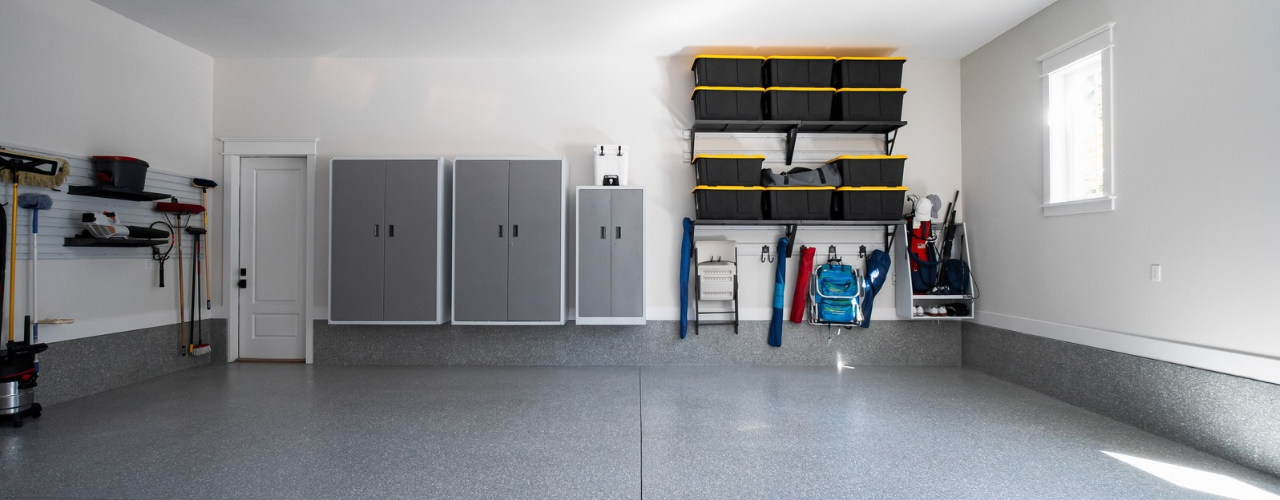
Garage storage is more important than it sounds, because it helps you move things off the floor and onto walls, ceilings and rolling units. In time, this makes a big difference and saves you from awkwardly tiptoeing around stuff you’ve left on the ground. Use the garage storage ideas below and you’ll build a setup that fits what you own, how often you use it and how much space you have.
How to Move a Piano: Moving, Insurance & Storage Guide
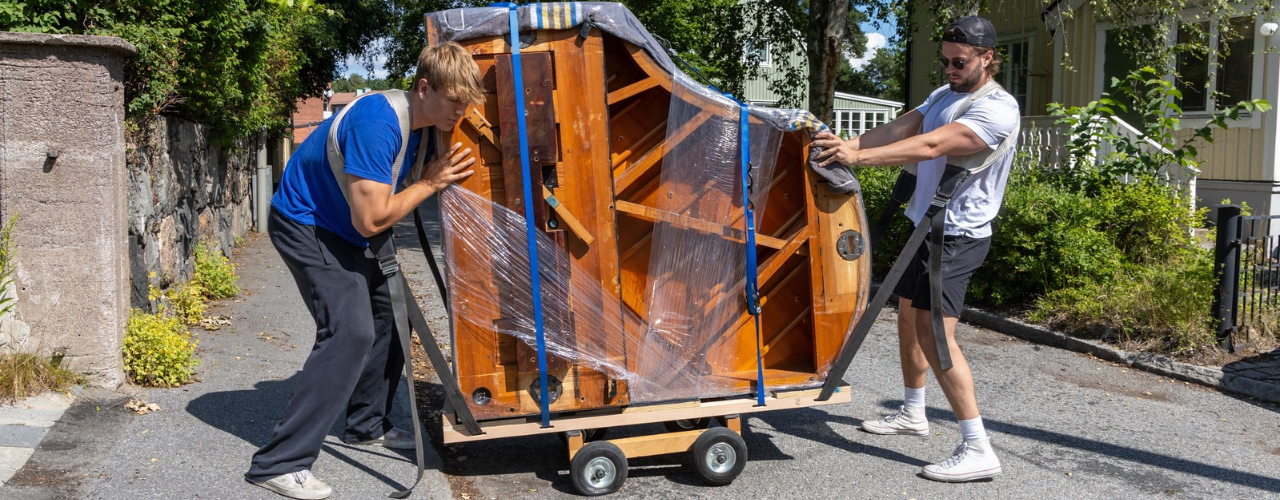
Before we get into the nitty-gritty of the matter, let’s agree on the simple fact that, unlike other types of relocation conundrums, moving a piano is just a very cool thing to see, let alone accomplish. The labor that makes piano concerts possible and keeps legendary instruments alive, a piano relocation takes meticulous planning, special equipment and a crew that really knows their stuff. That is, unless you’re set on recreating the piano crash of a classic Looney Toons gag.

Hall Closet Organization: 30 Ideas for Simpler Storage
Be it built-in, freestanding, or wholly improvised, your hall closet works best when you can grab anything quickly and put it back just as fast. These 30 ideas for organizing your hall closet walk you through planning, deciding where things go, choosing the right containers and way more. By the end, you’ll even know what to do when your closet still runs out of room.

Holiday Decoration Storage: A Guide for Every Season
Taking down the holiday decorations is never as exciting as putting them up. One minute, your home is looking wonderfully festive, and the next, you’re trying to remember which box the Christmas ornaments came in while wrestling with a string of lights that managed to tie itself into a dozen knots. With every holiday bringing its own collection of decorations, a good holiday decoration storage system helps you keep a growing collection under control.

Where to Get Moving Boxes in Philadelphia
Philadelphia’s historic charm can put your patience to the test on moving day. Between cobblestone streets, narrow rowhouse entrances and the occasional pothole, you don’t want to worry about not having enough boxes on top of it all. Start gathering your moving boxes early and you’ll have one less box to check off on packing day. Luckily, you have plenty of places to get your boxes from.

Art Supply Storage from A to Easel
Paint tubes, brushes, sketchbooks, scraps of paper, beads, half-used rolls of tape and that one very specific pen you swear you just had in your hand. Building up an art supply collection is rarely a neat process, and each new material brings its own storage needs.

Scary Good DIY Halloween Decorations That Won’t Haunt Your Wallet
A few floating candles in the hallway, a family of ghosts by the front door and a suspicious number of bats climbing up the bedroom wall can make October feel a whole lot spookier. While Halloween stores are full of tempting finds, some of the best DIY Halloween decorations can come from things you already have tucked away in drawers, closets or the recycling bin.
Suburban Giants and Urban Risers: Where America’s 100 Largest Metros Fall on the Self Storage Map
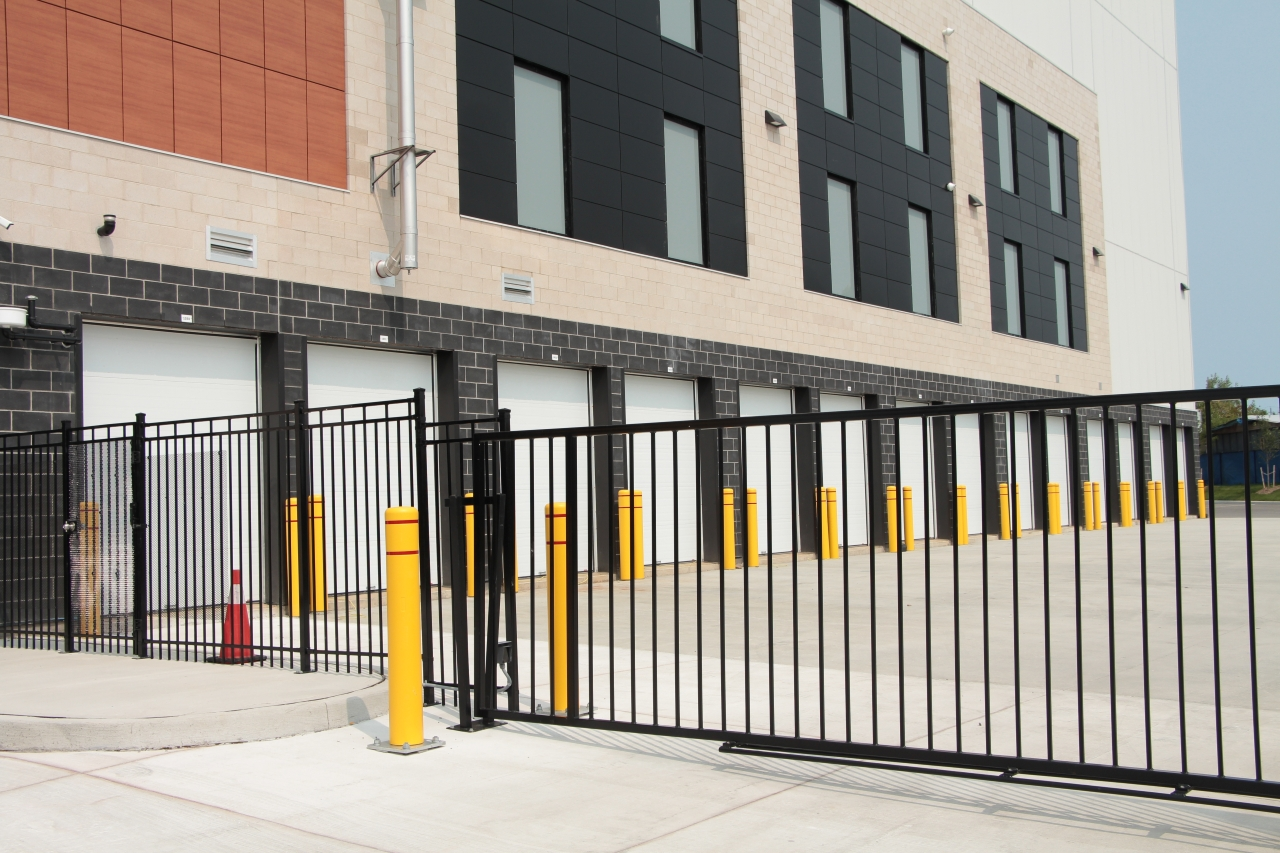
Self storage has long been a suburban story. Across America largest 100 metros, 59% of the inventory built over the past decade sits outside city cores, largely preserving the ratio of the total existing inventory.

Sweatshirt Storage Ideas Worth Keeping Up Your Sleeve
Sweatshirts are great until you realize how much room they take up. A few thick hoodies can fill a drawer fast, with lighter crewnecks getting squashed underneath or pushed somewhere you forget about. Good sweatshirt storage can make that pile much easier to manage without requiring a bigger closet.