

Turning your home into a smart home has gradually become more mainstream. Adding appliances and devices that can be connected to a hub is easier than ever. Through the hub, your home can communicate with each other and with you, via a smartphone or another device. Whatever the set-up, a good wireless router is a must if you want to convert your regular home to a smart home.
Part of what is collectively dubbed the “Internet of Things” (IoT), there are many devices boasting Wi-Fi connectivity and remote control that are meant to improve and simplify your home life. Their three components are the hardware (lightbulbs), the software (app installed to control the lighting) and the internet connectivity. But what really makes them smart isn’t just the Wi-Fi connectivity and remote control, but also their ability to learn your preferences and act independently. Controlling your home and work devices remotely is no longer a thing of the future. This means you can remotely access your coffee pot at home while you’re away, or even adjust the temperature in your self storage unit in Jersey City, while you’re at work in NYC, be it a 10×10 unit or a larger one.
Here are some ways in which you can transform your living space into a smart home:
1. Your smart phone doubles down as smart gateway and smart IoT
In a lot of IoT applications, the smart phone acts as a gateway for home’s the IoT systems. It collects, encrypt sand compresses data, and securely sends it to the cloud.
Besides their IoT gateway function, smart phones also work as IoT devices. The ability to gather information about the user and the environment – temperature, geolocation, health conditions – and use that to interact with Wi-Fi and Bluetooth makes the smart phone the ultimate IoT device. You can use an app on your phone to control the thermostat’s settings while you’re away from home, or even turn on the lawn sprinklers on or off. This makes it so much easier to take care of your home while you’re on the go.

2. Use your in-home connectivity hub to connect sevices
Investing in a smart home hub simplifies your smart tech – it’s a single interface controlling all your home devices. They can typically take voice commands, which has drastically changed the way people interact with their homes. For instance, Amazon’s Alexa is capable of paying your rent if you ask it verbally. With the help of of RENTCafé Resident Services Alexa Skill – a Yardi product – you can either pay rent, check your balance or place a new service request. All you need to do is check that your property management office allows payments through Alexa.
Another big name in smart tech is the Google Home series with Google Assistant. With Google Home, you not only have remote control of lights, thermostat settings or playing music, but you can also set schedules for your smart devices and get notifications about their activity. While Amazon has held the lead in recent years with the only smart speakers that display time, Google’s products are quickly catching up.
3. Take your security up a notch with smart surveillance cameras
While you’re away, you can keep a watchful eye on your home with a quality home security camera. Indoor models like the Wyze Cam Pan offer motion and sound detection, time-lapse recording and free cloud storage, so you can check in on your kids and pets. Outdoor models can increase the security of your home: Take the Arlo Ultra, which streams and records video in true 4K, or Ultra High Definition. While it’s one of the pricier models on the market, it comes with a multitude of features including motion tracking, automatic zooming, color night vision and an integrated spotlight and siren. In addition, this model comes with one-click 911 connectivity and a 180-degree field-of-view. You can learn more about other security options from the best security companies by researching reviews online.
4. Welcome guests with either a smart doorbell or a video intercom system
For the entrance to your smart home, you can opt for a smart doorbell or a video Intercom system. With the doorbell, you can view live video on an Amazon Echo Show device using Alexa voice commands. You’d be able to take advantage of this type of connectivity with the Ring Video Doorbell Pro model. Installation is simple, and the video doorbell comes in a slender design with interchangeable faceplates. With its in-built pre-buffering technology, you can view a recording that shows what set off a motion sensor.
If you’d like to greet your visitors before they enter your home, then an Intercom system is perfect for you. Take advantage of the doorbell camera and microphone that smart devices come with. As you greet your guests at the door, you can even unlock the door remotely.
Bonus: You can use an Intercom system as a baby monitor.
5. Increase your home security with keyless locks
Smart locks are so appealing because they use touchpads and mobile apps to increase the security of your home. Besides eliminating the need to use a key, they’re capable of keeping a log of entrances and exits. You can also remotely authorize access to other people such as dog sitters, cleaners and visitors. Smart locks alert residents whenever their door is opened, and boost their security system to increase protection and peace of mind. For these reasons, a rental equipped with a keyless lock is more likely to attract and retain renters. In a recent article for Multi-Housing News, Chelsey Schlarb, a business manager for Lincoln Property, said that a keyless lock, “can keep an eye on the home for them and alert them if there is unauthorized access.” Schlarb added that “people want to feel safe in their home. If you feel like your home is of value, if you feel like your home is safe, then it is somewhere you feel secure and you’re going to stay there longer.”

If you’re considering getting a keyless lock for your home, look no further than the the Smart Lock Pro + Connect, one of the latest models from August Home. This lock offers all the bells and whistles, including DoorSense technology, Z-Wave compatibility and Wi-Fi connectivity.
6. Mix practical and appealing with smart lighting
Smart lighting helps you create a fun light scheme for your home, but it also saves you money. With smart lighting, you can easily control usage remotely or pre-establish settings. You can program lights to dim, change color and turn on when someone enters a room, and even shut off when they leave. A lot of lighting systems can work outside a central hub while maintaining Wi-Fi or Bluetooth connectivity via your smartphone.
With its Hue series of bulbs and luminaries, Philips is the leader in the lighting market. Their bulbs require a ZigBee radio to Wi-Fi bridge that’s included in their starter kits. You can control these smart bulbs using an app on your smartphone or your tablet. For your lamps, you can’t go wrong with a smart plug, such as the Wemo Mini, that allows you to turn the lamp on and off via smartphone.
7. Save energy with a smart thermostat
The smart thermostat was created for a more comfortable home and energy savings. This type of device can easily establish a heating and a cooling schedule based on when you’re home, and do so much more. Smart thermostats are able to detect whether you’re home or away, so that the HVAC system operates more efficiently. A lot of smart thermostats can use Wi-Fi connectivity, like the Nest Learning Thermostat, which means you can adjust temperature remotely from your phone, tablet or PC.
Newer smart thermostats have been upgraded to include sensors installed in the rooms most frequently used, so that the thermostat operates based on your location in the house — instead of pushing heating or cooling cycles based on the thermostat’s location, which is typically in a hallway. The Ecobee4 comes with this new function and includes both sensors and built-in Amazon Echo smart speakers.

8. Sleep better in a smart bed
With the multitude of activity and sleep trackers out on the market, it’s hard to beat fitness trackers and smartwatches. But maybe your mattress is the most obvious choice for an ideal sleep tracker — enter the smart bed. Some models include biometric sensors to help improve your sleep, and with the help of an app, you can view your sleep patterns and health metrics to determine the best way to rest better. That’s exactly what Sleep Number’s 360 Smart Bed does. It’s a hefty investment, but promises to improve the quality of your sleep.
9. Centralize your music with a multi-room audio system
When it comes to smart home audio solutions, fully customized integration is what you’re looking for. For instance, sophisticated multi-room speaker systems, like those provided by Sonos, Yamaha (MusicCast) or Denon (HEOS), enable you to have speakers in several rooms of your home. You can stream music either from your own collection or from online streaming services, like Spotify. You can use either your smartphone or another digital assistant such as Amazon’s Alexa to control streaming music throughout your space. And they link well with other types of smart home tech: Smart speakers have been widely embraced by other smart home device manufacturers. Many audio systems have themselves now become smart hubs of their own, controlling other smart home amenities, from smart lights to home security cameras.
10. Smart smoke and carbon monoxide detectors will give you peace of mind
A smart smoke and carbon monoxide detector does more than trigger that loud alarm: It’s also capable of sending an alarm to your smartphone – and to anyone you add on to your account – whenever danger is present. Nest Labs makes a smart smoke and carbon monoxide detector (Nest Protect) that does just that. If you also have a Nest Smart Thermostat, the smoke detector can send instructions to the thermostat to turn off the HVAC system in case of a fire, which can help prevent smoke circulation in other rooms. This particular smoke detector also incorporates emergency lights that help you find your way outside during an emergency if your home is full of smoke. Other models such as First Alert Onelink Safe & Sound include even more advanced features, like an integrated smart speaker.
11. Take cooking to the next level with smart kitchen appliances
There’s a lot you can do to make your cooking better and easier to manage if you upgrade some to smart kitchen appliances. If you like sous vide cooking – where you immerse food sealed in plastic in a hot bath – you could use a smart immersion circulator. Take, for instance, the Anova Culinary Precision Cooker, which uses Wi-Fi connection so you can control it when you’re not in the kitchen, or not even home. A dial allows you to set the desired temperature, while a display shows you both the set and current temperature. With the app that keeps you updated on the cooking process, cooking sous vide is so much more doable.
If controlling your kitchen appliances with an app suits your fancy, why not try it with your microwave too? For a smart device, AmazonBasics Microwave is easy on your wallet, and instead of app control, it simply takes Alexa voice commands in order to heat up.
Getting smart appliances for your kitchen is great, but what to do with your existing ones? The old fridge might come in handy once your daughter moves into her first apartment, but you’ll need storage until then. This is one of the many instances when self storage can save the day. Renting a storage unit to keep your appliances either for later use, for you or for someone else, is a good idea. Storagecafe.com, for example, will allow you to to search for self storage anywhere in the US, down to neighborhood or ZIP Code level, based on preferred amenities, size and budget.
12. Let smart lawnmowers keep your lawn in shape
Smart mowers have been on the market for a while now, so why not jump on this bandwagon and spend less time and energy keeping your grass perfectly manicured? The Words Landroid M 20 V Cordless Lawn Mower (WR140) doesn’t come cheap, but it’s still on the affordable spectrum compared to other models. The mower has a GPS and Wi-Fi radio, and can be operated through a smartphone app, regardless of your location. You can start and stop the mower and adjust cuttings schedules. In addition, you can monitor the mower with status alerts to let you know its progress and whether there are any issues.
Did we help you find your next smart device for your home? Let us know in the comments section below.


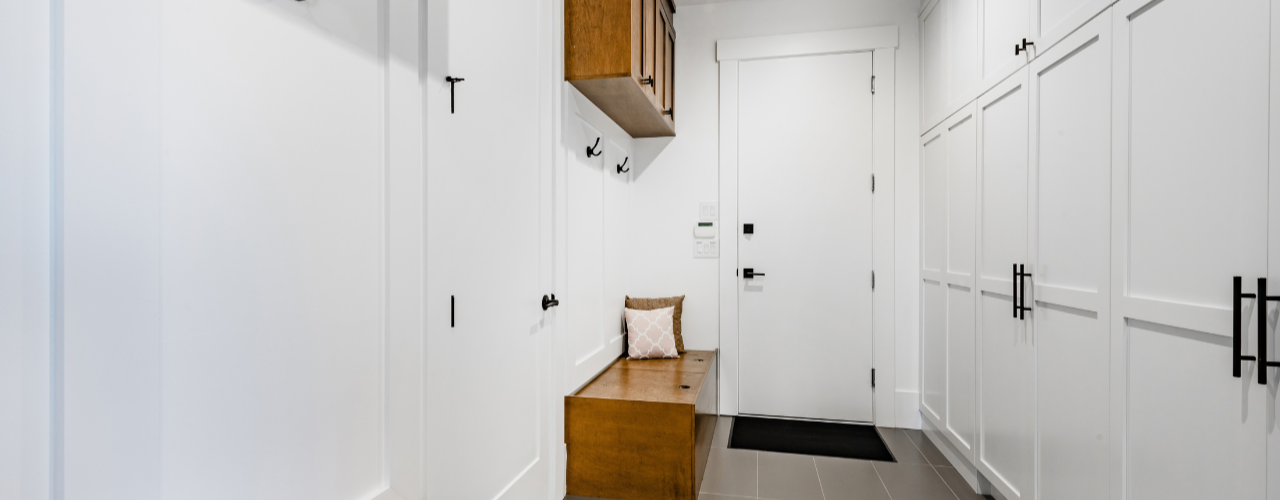
25 Mudroom Storage Ideas (And Mistakes to Avoid)
When you come home with muddy boots, an armful of bags and a coat you can’t wait to take off, it’s nice to have somewhere to put it all. With a mudroom, you can leave the outdoor mess at the door instead of carrying it through the house. Traditionally, you’d set aside a separate room, but you can just as easily use a hallway, an entryway closet, a laundry-room corner or a stretch of wall near the entrance.

Is Your Home Office Worth the Rent? What Coworking and Self Storage Could Save You
Every square foot of your apartment comes with a price tag, and a home office claims more of them than most renters expect. It starts with a desk. Then come the second monitor, the printer, the filing cabinet and the overflow boxes. Before long, the corner you set aside for work has turned into a small room you are paying for every month.

America’s Top Snowbird Destinations for 2026–2027: Florida Leads in Numbers, Texas Wins on Value
For Americans living in colder states, the approach of winter is reason enough to start looking south. Cold weather carries costs that go beyond the heating bill and shoveling snow. Seasonal affective disorder(opens in new tab) is far more prevalent in northern states, so a temporary move south isn’t simply an escape from the cold, but a chance to spend the hardest stretch of winter outdoors and in the sun.

How Much Does Halloween Really Cost in 2026? Plan Wisely to Avoid the Scare of Hidden Costs
Americans’ love for Halloween is almost frightening — this year alone, we are on our way to spending $13.5 billion, according to data from the National Retail Federation(opens in new tab). That breaks down to about $115 Halloween costs per person, a whopping 49% more than 10 years ago.
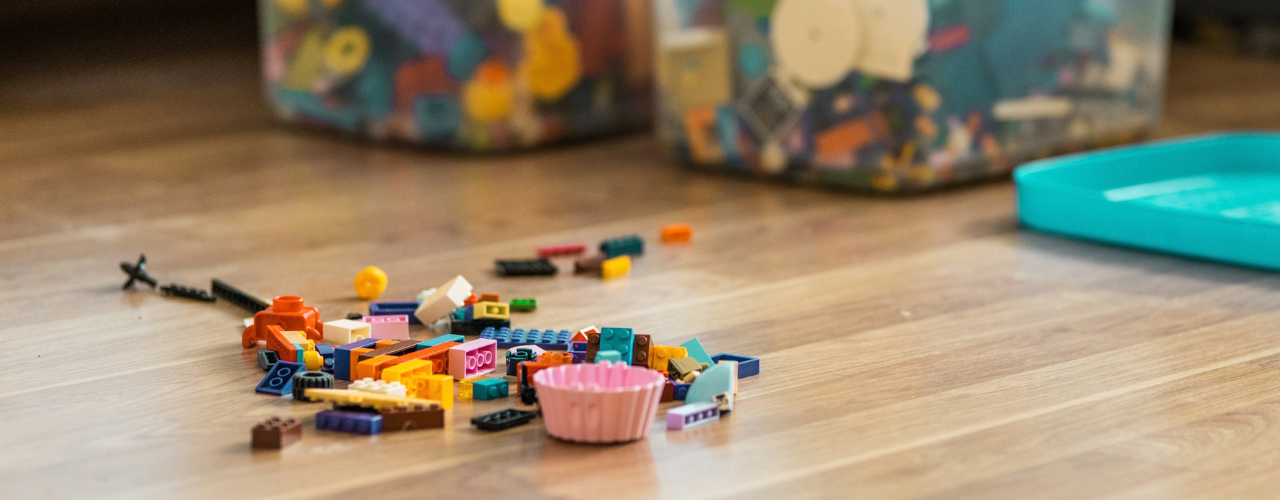
How to Store LEGOs: All the Fun, None of the Clutter
How to store LEGOs largely comes down to how your household uses them. If the bricks are part of everyday play, you need a setup that keeps them within easy reach and makes cleanup quick (for your feet’s sake, at least). Toy storage(opens in new tab) such as simple bins, playmats or containers that children can put away themselves may be enough. Larger or more serious collections usually need more organization, such as labelled drawers for loose pieces, trays for unfinished builds, shelves for completed models and separate storage for retired sets.

Cardboard Costume Guide: Tips and Ideas for a DIY Halloween
Whether for kids or adults, cardboard costume ideas often make the biggest splash once materialized, and that’s for a simple reason: doing a lot with a little is a universally impressive feat (especially in this economy). If you don’t have enough boxes you could temporarily repurpose, don’t worry! There are many places where you can find free moving boxes(opens in new tab), from stores and supermarkets to online groups and recycling drop-off spots. On the run? Try your luck at a self storage(opens in new tab) facility that sells moving supplies, often for cheap. This way, you can choose moving boxes of different shapes and sizes(opens in new tab), so you can make your costumes as complex as you want.

How to Celebrate Halloween: 9 Non-Spooky Ways To Enjoy It
As soon as October starts, it’s the official Halloween month. And while for many people it means it’s open season to get the scare of a lifetime, others, especially families with small children, might prefer to celebrate in a tamer way that’s both kid- and adult-friendly. While you’re likely to find more events where the spook factor is high, here’s how to celebrate Halloween in a not-so-scary way:

Motorcycle Storage Guide: How to Store Your Bike Safely
Motorcycles may be born to be wild, but eventually even the wild ones need somewhere to park. Whether riding season is winding down or your current living situation comes with plenty of square footage for you and less for your bike, motorcycle storage is one of those parts of ownership that doesn’t get as much airtime as the open road.

Halloween Decorating on a Budget (And Cheap Ideas for Everything Elsee)
Halloween has crept a long way from its eerie origins. While All Hallows’ Eve has transformed through the centuries, it wasn’t until the 1930s that trick-or-treating became a tradition in the U.S. and businesses began conjuring up mass-produced Halloween costumes. Now, Halloween is a monster-sized, billion-dollar industry, with a cauldron full of costumes and decorations ranging from the mainstream to the macabre. But is it all really worth your wallet? Maybe, but we’ll let you in on a little secret: You can keep your Halloween decorating on a budget and save on everything else, too. Take this plan and see it through!